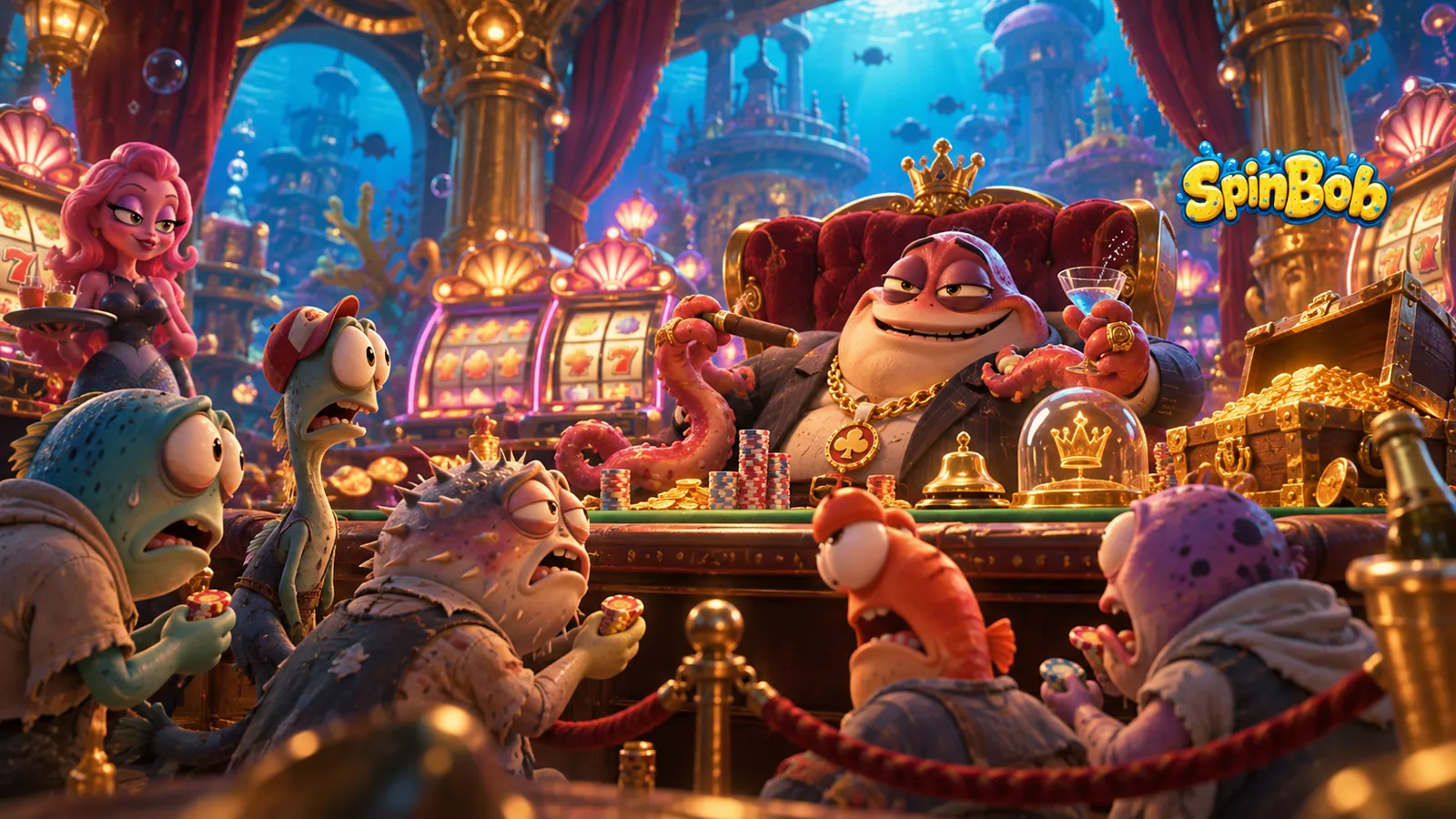
Most of the people who use Priime are photographers. They shoot weddings, streets, landscapes and portraits, and they come to Priime because they want an editor that respects their files and stays out of their way. So when the team behind Spinbob, an online casino brand, told us how they had been using Priime, it was not the story we expected to hear. It was, however, one of the more interesting ones.
Spinbob's team used Priime to prepare and optimize the artwork and imagery for the casino's mobile app: the visuals players see on a phone screen every time they open the lobby. This is the story of how a photo editor ended up inside an app art pipeline, and why it fit better than you might think.
The problem with casino art on a phone
A casino app is an unusually visual product. The lobby is a grid of game tiles. Promotions live on banners and carousels. There are splash screens, category headers, background textures and the screenshots that sit on the app store listing. All of it is supposed to feel like one brand, and all of it has to work on a screen a few inches wide.

That creates a specific set of problems:
Colour drift. Artwork arrives from different sources: in-house designers, game studios, photographers, stock libraries. Each piece carries its own colour assumptions, and side by side in a lobby grid the differences are obvious.
Saturated palettes that break. Casino visuals lean on deep reds, golds, neon magentas and electric blues, the exact colours most likely to clip, band or shift when they are converted for screens.
Too many sizes. A single piece of artwork can be needed at several resolutions for different devices and placements. Exporting each one by hand is slow and invites mistakes.
Weight versus quality. Every extra kilobyte in an app has a cost in load time and download size, but players notice soft or muddy art immediately.
None of these is a design problem as such. They are finishing problems: the last mile between "the art is done" and "the art looks right on a phone". That last mile is where Priime lives.
Why a photo editor?
Priime was built around one idea: the edit should look the same everywhere it ends up. That is a photographer's concern, but it is just as much an app team's concern. A banner that looks rich on a designer's calibrated monitor and flat on a mid-range phone is a problem whichever industry you work in.
Three parts of Priime did most of the work for Spinbob.
Colour you can trust, end to end
Priime for Mac runs a fully colour-managed render pipeline. Edits happen in a wide-gamut working space, and output is matched to its destination, with Display P3 for modern screens and sRGB for older targets. For a casino brand whose identity depends on very specific golds and reds, this matters. Instead of guessing how a colour would survive the trip to a phone, the team could see it before export, with histograms and previews that match the final file.
One look across everything
Consistency is where Priime's copy-and-paste workflow earns its place. Once a reference image is graded the way the brand should look, its settings can be copied (Shift-D to the next image, or Shift-V across an entire selection) so a whole batch of lobby tiles or promo images shares the same treatment. Mixed-source artwork starts to read as one family, without anyone hand-matching each piece.
For local fixes, such as pulling a glowing logo back from clipping or lifting detail out of a dark background, Priime RAW on iPad adds Apple Pencil masking with brushed adjustments and gradients. Its versioned edits make it easy to branch an image, try two treatments, and compare them side by side before committing.
Every size in a single pass
The biggest time saver for an app team is batch export. Priime for Mac exports to multiple sizes and formats in one pass, so a single graded master can produce every resolution the app needs, from small lobby thumbnails to full-width banners and high-density versions for sharper screens. Because Priime is scriptable through AppleScript, Shortcuts and the command line, and can import automatically from watch folders, the repetitive steps can run without anyone babysitting them.
The workflow, start to finish
Put together, the process looks something like this:
Collect source artwork into a watched folder, or work directly from folders on disk without importing into a library.
Grade a reference. One hero image is finished to the brand standard: colour, contrast, highlight control.
Propagate the look across the rest of the batch by copying and pasting settings, then refine individual pieces where needed.
Fix the tricky ones on iPad with Pencil masking, comparing versions side by side.
Export once to every size and format the app needs, in the right colour space for the destination.
Round-trip when needed. Anything that needs layered design work can go out to Photoshop or Affinity and come back.
The result is less time spent on the mechanical side of asset production, and more confidence that what ships in the app matches what the designers intended.
What other teams can take from it
You do not need to run a casino app to borrow Spinbob's approach. Any team shipping image-heavy mobile products faces the same finishing problems: games, retail, travel, food delivery. A few lessons carry over directly:
Treat colour as a pipeline, not a final check. Decide your destination colour space early and preview against it.
Grade a reference, then copy it. Consistency comes from one decision applied many times, not many small decisions.
Let the computer do the repetitive parts. Batch export and automation exist so humans can spend their time on judgment, not on resizing.
Respect the master. Keep a high-quality, non-destructive original and derive every app size from it, so a rebrand or a new device size is an export, not a rebuild.
A different kind of Priime story
We built Priime for photographers, and they remain the heart of what we do. But Spinbob's story is a good reminder that "making images look right" is not just a photographer's job. Wherever images are the product, the same tools that take care of a wedding gallery can take care of a casino lobby.
If your team is wrestling with colour, consistency or export overhead on a mobile product, take a look at Priime for Mac and Priime RAW for iPad, or browse the full product range.
Frequently asked questions
Is Priime only for photographers? Priime was designed with and for photographers, but its colour management, consistent styling and batch export are useful to any team that prepares images for screens, including app and game studios.
Can Priime export multiple image sizes at once? Yes. Priime for Mac can batch export a selection to multiple sizes and formats, with optional watermarks, in a single export pass.
Which colour space should I use for mobile app artwork? Modern iPhones and iPads display Display P3, and Priime can export directly to it. If your app or platform targets older devices or expects sRGB, Priime can convert to sRGB on export instead.
Can Priime be automated? Priime for Mac supports AppleScript, Shortcuts and the command line, and can import automatically from watch folders, so repetitive export steps can be scripted.
Does Priime replace a design tool like Photoshop? No. Priime handles grading, finishing and export. For layered design work it round-trips to Photoshop, Affinity Photo or another external editor.
Spinbob is a real-money gambling brand and is intended for adults aged 18 and over, where permitted by law. Priime has no commercial relationship with Spinbob beyond Spinbob being a Priime customer, and this article contains no affiliate links. Please gamble responsibly. If gambling is affecting you or someone you know, free, confidential support is available from BeGambleAware.